 crxbase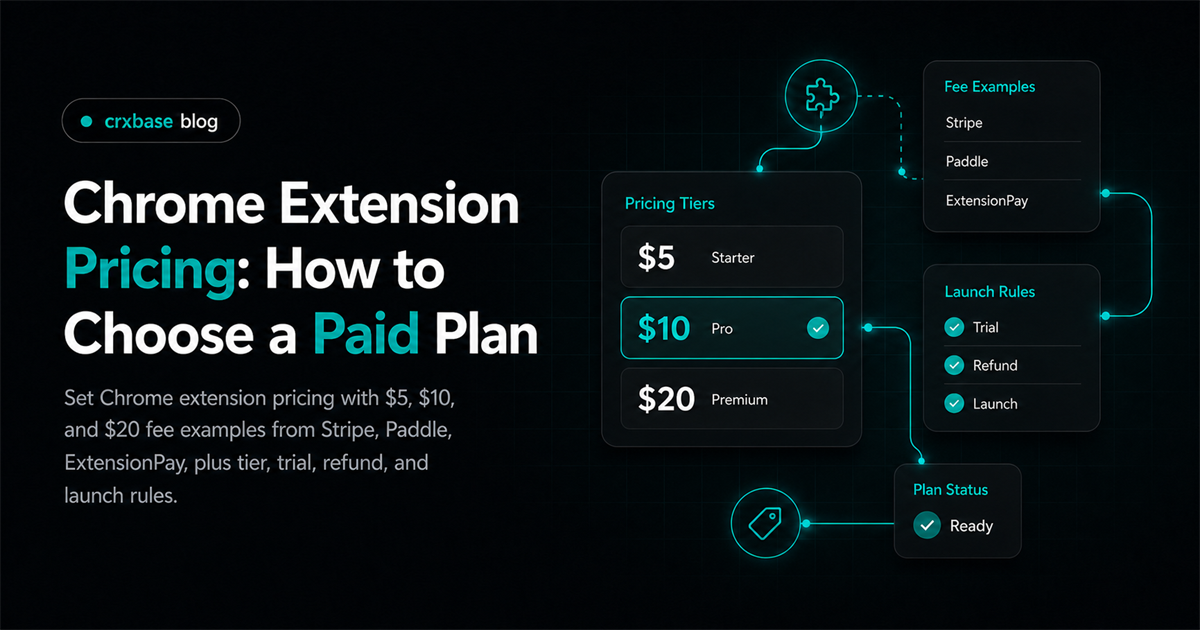
The hard part isn't choosing between $5, $10, or $20. The hard part is matching the price to a value metric users understand. Does the extension save time every week, unlock exports, or support a one-time workflow? Pricing should answer that before it asks for a card.
For the full monetization path, start with the Chrome extension monetization guide. This post focuses on the price decision: research, value metrics, tiers, fees, trials, refunds, and launch tests.
TL;DR
- Start pricing from the user's repeated value, not from a competitor average.
- Model $5, $10, and $20 prices after processor fees before launch.
- Put payment, support, and refund promises where buyers can see them.
How Should You Research Chrome Extension Pricing?
Google ended charges through existing Chrome Web Store payment items on February 1, 2021 (Google). Price research therefore has to include external checkout, licensing, tax handling, and support.
Start with three lists: direct Chrome Web Store alternatives, web apps that solve the same job, and manual work the user currently does instead. What does the extension replace: time, errors, subscriptions, contractors, or annoyance?
Do not copy a competitor's price without checking its business model. A free extension with ads, a SaaS tool with team plans, and a one-person lifetime deal can have very different costs.
Record free limits, paid features, review complaints, SaaS alternatives, manual workarounds, setup questions, refund risk, and policy language. That gives you the real pricing surface: user value, payment cost, support cost, and trust cost.
Here is the research rule I like: if the buyer cannot explain the paid value in one sentence, the price is probably doing too much work. Fix the offer before testing the number.
What Value Metric Should Set Your Price?
A value metric is the unit that makes the paid plan feel fair. Browser extensions often price around usage limits, saved items, exports, credits, seats, or advanced actions. The right metric is visible in the product and tied to progress.
For example, a research extension could price by saved sources. A workflow extension could price by automation runs. A team extension could price by seats. A local utility might sell lifetime access because ongoing metering would feel strange.
Use a simple value metric test. Saved items work when users build a lasting library. Exports work when output is the premium result. Credits work when each action has a backend cost. Seats work when teams share settings. Advanced actions work when Pro features are easy to name.
The value metric also shapes upgrade timing. A free user who hits 20 saved items understands a saved-item limit. A user blocked on the first click does not. Good extension conversion pricing feels like a continuation, not a trap.
For broader model selection, compare the main browser extension monetization models before committing to a metric.
How Do You Design Paid Chrome Extension Pricing Tiers?
Most early extensions do not need three public tiers. Start with one paid plan and one clear free boundary. Add annual billing only if recurring value is obvious. Add teams when users ask for shared billing, invoices, or admin control.
A simple tier layout can look like this:
| Tier | Purpose | Example boundary |
|---|---|---|
| Free | Prove the workflow | 20 saves, 3 exports, or 10 credits |
| Pro | Fund the core product | Unlimited personal use and priority features |
| Team | Serve workplace buying | Seats, shared settings, invoices, admin controls |
The Pro tier should contain the main value, not leftovers. If the free tier solves everything, users will not upgrade. If the free tier solves nothing, users will not trust you. That tension is the pricing work.
Annual pricing should reward commitment, not rescue weak monthly value. Lifetime pricing should be narrower. It is best for stable utilities with low server costs and a clear update promise. The deeper tradeoff is covered in Chrome extension subscription vs lifetime pricing.
Pricing copy matters too. Say "Unlimited exports" only if support can absorb it. Say "Priority support" only if you will answer faster. A tier table is a contract, even when it looks like marketing.
What Fees Change the Real Net Price?
The table below is model math, not a conversion benchmark. It excludes taxes, refunds, disputes, international cards, currency conversion, and optional billing tools. crxbase is shown once as its own 5% platform fee and once with Stripe's listed U.S. domestic card fee.
| Example checkout path | Listed fee formula | Fee on $5 | Net on $5 | Fee on $10 | Net on $10 | Fee on $20 | Net on $20 |
|---|---|---|---|---|---|---|---|
| Stripe U.S. domestic card | 2.9% + $0.30 | $0.45 | $4.56 | $0.59 | $9.41 | $0.88 | $19.12 |
| crxbase | 5% + 2.9% + $0.30 | $0.70 | $4.31 | $1.09 | $8.91 | $1.88 | $18.12 |
| Paddle Checkout | 5% + $0.50 | $0.75 | $4.25 | $1.00 | $9.00 | $1.50 | $18.50 |
Small prices are sensitive to fixed fees. A $0.30 fixed fee is 6% of a $5 price before the percentage fee starts. At $20, the same fixed fee is 1.5%. That is why a $4.99 plan can look friendly and still be hard to support.
Fee math should create a floor. If a user sends two support emails, asks for a refund, or needs account recovery, the price has to survive that work. For launch, I would rather test $9 or $12 with a clean offer than train users to expect unpaid support.
How Do Trials and Lifetime Offers Affect Pricing?
A trial should prove one paid outcome. Do not use it as a vague demo period. If the paid value is exports, get the user to an export. If the paid value is automation, get one automation running.
Trials and lifetime offers change the promise. Free trials work when value appears after setup. Monthly plans need a grace period and downgrade path for failed payments. Annual plans should not starve support. Lifetime deals need clear update, support, and transfer rules.
Lifetime pricing needs special care because "lifetime" can mean different things. Is it the life of the product, the current major version, or the buyer's account? Say it plainly before checkout.
Trials should also respect user trust. Browser extensions already ask for permissions. If pricing adds surprise billing, unclear cancellation, or hidden limits, users will blame the extension, not the processor.
For a launch checklist that pairs access, trials, and policy language, use the paid extension checklist before submitting store copy.
What Support and Refund Terms Should Pricing Include?
Support and refunds should be priced into the offer. A low monthly price can become expensive if every buyer needs manual license recovery. A lifetime plan can become painful if the refund window is unclear.
Write these terms before launch:
| Term | What to decide | User-facing wording should answer |
|---|---|---|
| Refund window | 7 days, 14 days, or case-by-case | When can a buyer get money back? |
| Trial cancellation | Before charge, after charge, or no-card trial | When does billing start? |
| License recovery | Email login, account login, or manual support | How does access return after reinstall? |
| Support channel | Email, form, chat, or docs only | Where should users ask for help? |
| Response expectation | Business days and normal hours | When should users expect an answer? |
Do not hide refund language at the bottom of a long terms page. Link it from checkout and mention it in the store listing when payment is required for basic functionality.
This is also where pricing should protect the product. If the extension touches business workflows, price for support. If it depends on third-party sites that change often, price for maintenance.
How Do You Test Launch Pricing Without Guessing?
Start with a narrow test. Pick one free boundary, one paid plan, one trial rule, and one refund policy. Then collect qualitative signals from upgrade moments. Which paywall message creates confusion? Which feature do users ask to unlock?
Use a launch sheet with five questions: is the paid value clear, is the price too low, is the price too high, is the free tier too generous, and is the trial proving value? After 2 to 4 weeks, change the offer, paywall, onboarding, or support promise before changing everything at once.
Avoid fake urgency. "Launch price" is fine if you say when it ends and whether early buyers keep it. Surprise price hikes create trust debt.
One practical sequence works well: launch Pro at a supportable monthly price, offer annual after the first paid users are happy, and reserve lifetime pricing for a limited stable utility.
For demand-side work after pricing is live, read how to get paying users for a Chrome extension. Pricing helps only when the right users reach the upgrade moment.
Frequently Asked Questions
The four fee and policy sources used here list three fee formulas and two Chrome Web Store policy documents. The answers below use those figures as examples, not conversion benchmarks.
What is the safest first Chrome extension pricing model?
The safest first model is usually one free tier and one paid Pro plan. crxbase supports monthly, yearly, and one-time payments, but a single paid plan is easier to explain, support, and test.
Is $5 too cheap for a paid Chrome extension?
$5 can work for a simple utility, but it leaves little support room.
Should I show prices in the Chrome Web Store description?
Yes, when payment is required for basic functionality. Chrome Web Store policy says paid basic functionality must be clear in the description users see before installing, and the developer must identify itself as the seller.
Can I test two extension prices at once?
You can, but keep the test honest and simple.
Does lifetime pricing improve extension conversion pricing?
Lifetime pricing can reduce purchase anxiety, but it moves future risk to the developer.
Connect Pricing to Paid Access
When your pricing is ready to test, crxbase supports subscription and one-time plans with hosted checkout and extension access checks. That lets you test the offer while keeping payment state and paid features aligned.