 crxbase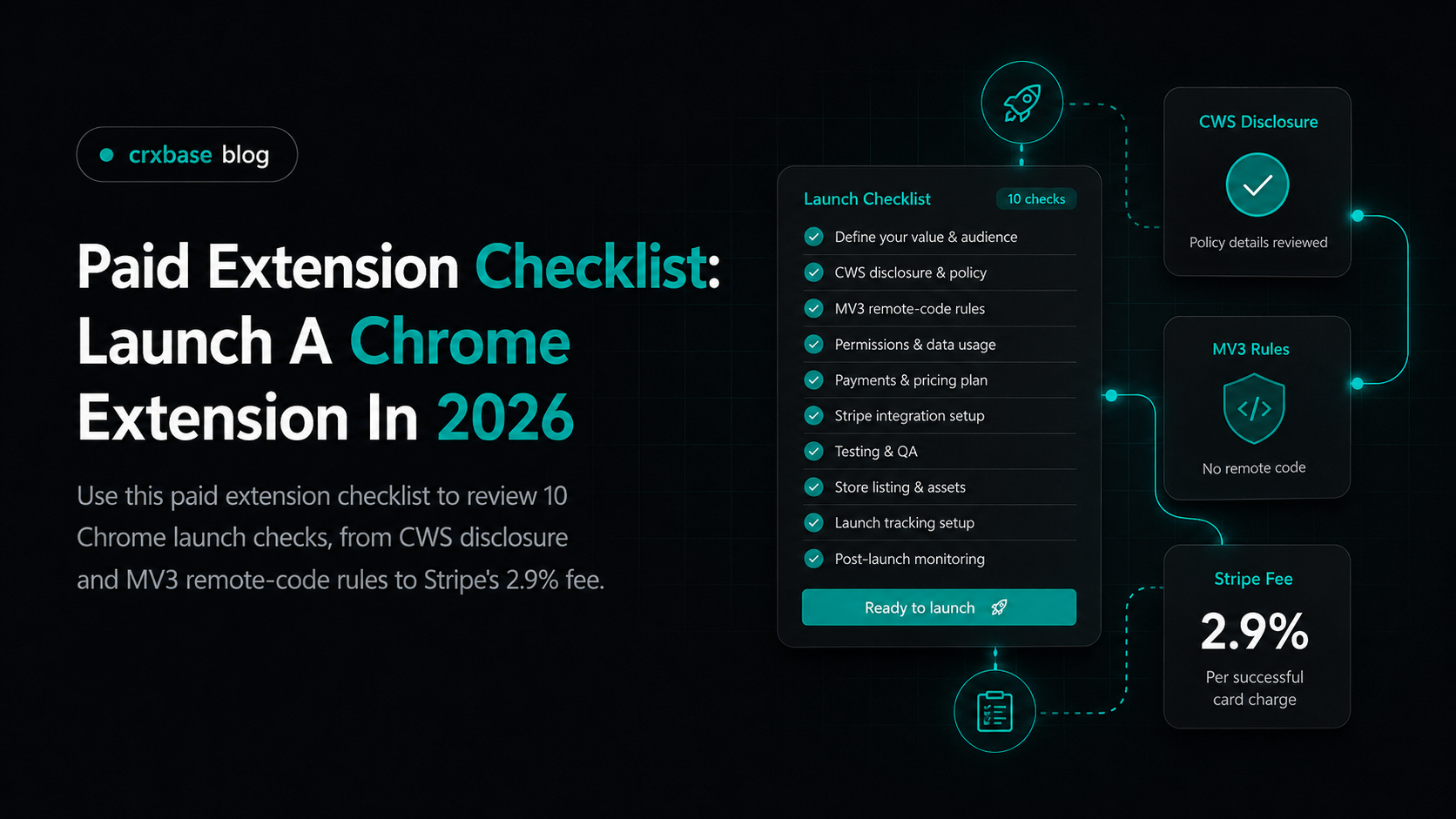
Paid Chrome extensions usually stumble for boring reasons. The listing says one thing, checkout says another, the extension stores a fragile paid flag, and support cannot restore access after reinstall.
Use this paid extension checklist before you submit a new product, add a paid plan, or replace the old Chrome Web Store payment path. For the broader strategy, start with the Chrome extension monetization guide. This is practical policy and launch guidance, not legal advice. Ask a qualified professional about privacy, tax, consumer protection, refunds, and payment compliance.
TL;DR
- Google lists 5 payment requirements for sales flows.
- Treat paid access as server-side state, not a local preference.
- Test checkout, refunds, cancellation, reinstall, and reviewer access.
What Does A Paid Extension Checklist Need To Prove?
Think of the checklist as a launch review, not a legal shield. It should catch surprise paywalls, missing refund paths, overbroad permissions, remote-code mistakes, and access bugs before a reviewer or buyer finds them.
| Area | Launch question | Pass signal |
|---|---|---|
| Disclosure | Does the listing say what costs money? | Free and paid limits are visible before install |
| Privacy | Does the policy match collected data? | Data use, sharing, and processors are named |
| Terms | Can buyers find refund rules? | Terms and support links sit near checkout |
| Permissions | Are permissions narrow? | Every permission maps to a shipped feature |
| MV3 | Is executable code packaged? | No remote JavaScript or WASM runs in extension |
| Payment | Is card entry handled safely? | Hosted checkout or processor UI collects payment data |
| Entitlement | Can access survive reinstall? | Server stores plan, status, limits, and renewal state |
| Review | Can reviewers test paid behavior? | Test account and notes are ready |
| Support | Can users cancel or restore access? | Receipt, portal, and support routes work |
| Monitoring | Will failures be visible? | Webhook, checkout, and access errors are logged |
According to Google Chrome for Developers, "Chrome Web Store Program Policies," paid products must securely handle payment information, avoid misleading users, post terms of sale, disclose paid basic functionality, and identify the developer as seller. That 5-part policy set is the spine of a Chrome extension monetization checklist.
How Should The Chrome Web Store Listing Disclose Paid Access?
Start with the description. If the basic feature needs payment, say so in the first visible paragraph. If the extension has a free tier, name the limit. If the paid plan unlocks teams, exports, credits, or unlimited usage, write those boundaries plainly.
Use this Chrome Web Store disclosure checklist:
- The first paragraph says whether the extension has paid functionality.
- Free limits are written as actual limits.
- Screenshots do not present paid-only screens as free.
- The developer and product names do not imply Google endorsement.
- Support contact is current.
- Privacy fields, listing text, and privacy policy agree.
- The single purpose field matches the paid feature set.
The strongest wording pattern is "capability first, payment second." Say what the extension does, then say which part is paid. "Clip 20 notes per month for free. Pro unlocks unlimited clipping and team export" is clearer than broad premium language.
For the policy FAQ angle, compare this with are paid Chrome extensions allowed. The question is rarely whether payment is allowed. The real question is whether the paid experience is honest, reviewable, and consistent.
What Privacy, Terms, And Refund Pages Should Be Ready?
Google's Chrome Web Store policies list four privacy-policy disclosure points around how user data is collected, used, shared, and which parties receive it (Google). Your paid launch needs privacy and sales pages that match real behavior.
Your privacy policy should mention login identifiers, payment processors, subscription status, support data, and analytics if you use them. Do not claim you collect no data when login, license checks, receipts, or support tickets exist. Your terms should cover price, renewal period, seller identity, refund window, cancellation route, and account restore path.
According to Google Chrome for Developers, "Chrome Web Store Program Policies," products accepting payment must conspicuously post terms of sale, including refund and return policies. For extensions, that page should be reachable from checkout and from the installed product.
How Do Permissions And MV3 Rules Change A Paid Launch?
Google's Manifest V3 guidance names three platform goals: improving privacy, security, and performance for extensions (Google). A paid feature does not give you extra permission room, so monetization must fit the reviewed package.
Review each permission before you wire paywalls. Which shipped feature breaks without it? If the answer is "maybe later," remove it. Future-proof permissions create review risk and make buyers less willing to trust a paid workflow.
Run this MV3 remote-code check:
- No extension screen loads remote JavaScript for billing logic.
- No content script injects an external executable script.
- No remote WASM is fetched and executed.
- Checkout opens as a web page or hosted payment page.
- Server responses return data, such as plan status and limits.
Google's Manifest V3 guidance prohibits remotely hosted code and limits extension JavaScript to code included in the package and reviewed by the Chrome Web Store. External checkout is fine as a web flow. Hidden executable logic is the risk.
For migration context, use the Chrome Web Store payments replacement guide. The old store license path is not the modern control plane for paid features.
Which Payment Processor And Pricing Checks Belong In The Plan?
A processor is not a license system. Stripe, Paddle, Lemon Squeezy, crxbase, or another provider can collect money, but your extension still needs to know who has access. The architecture matters more than the checkout button.
Use this processor checklist:
- Checkout supports subscription, lifetime, trial, usage, or seats.
- Webhooks are signed and verified on the backend.
- Successful payment creates or updates entitlement state.
- Refund, cancellation, failed payment, and dispute events change access.
- Customers can open a billing or manage page.
crxbase supports subscriptions, one-time payments, free trials, Stripe Checkout, Customer Portal, webhooks, Stripe Connect payouts, and an @crxbase/payments library for extension developers. Checkout is only one slice of paid-extension launch work.
Pricing also needs review. A $5 monthly plan may look friendly, but the fixed fee takes a larger share than it does on a $15 monthly plan. For price positioning and upgrade moments, pair this pass with the Chrome extension pricing guide.
How Should License And Entitlement State Work?
Do not treat "paid" as a local flag in extension storage. Extension code is shipped to user machines, and local state can be stale or manipulated. The extension can cache access for speed, but your backend should decide whether the current user can use a premium feature.
At minimum, store a user ID, provider customer ID, plan or tier ID, status, renewal date, limits, and last synced event. Those fields let you restore access after reinstall, enforce limits, and debug webhook ordering without relying on a browser profile.
What Test Accounts, Support, And Monitoring Should Be Live?
Google requires 2-Step Verification for developer accounts before publishing or updating an extension (Google). Treat reviewer access and account security as release blockers.
Paid flows are hard to review when the reviewer has to guess. Prepare a test account that can exercise free, trial, paid, canceled, and expired behavior. If checkout uses test cards, explain the path. If live payment is unavoidable, provide a refund-safe review route.
Your reviewer and support checklist:
- Test login email and password, or a working magic-link path.
- Steps that show the paid gate.
- Test mode or paid test account instructions.
- Steps to open checkout, manage billing, cancel, and restore access.
- Support contact for review questions.
- Monitoring covers checkout completion, webhooks, access denials, failed renewals, refunds, and disputes.
A reviewer account is product evidence. If the paid path cannot be tested, a reviewer may judge your listing promise, payment disclosure, or permission request without the context you expected them to see.
According to Google Chrome for Developers, "Chrome Web Store Program Policies," developers should provide meaningful customer support and keep contact information correct. For paid extensions, test support like checkout because payment errors become trust errors.
Paid Extension Launch Checklist
Use this final extension launch checklist after implementation.
| Check | Done when |
|---|---|
| Store disclosure | Description says what is free, paid, recurring, or limited |
| Seller identity | The product does not imply Google sells or endorses it |
| Privacy policy | Login, payment provider, entitlement, analytics, and support data are covered |
| Terms and refunds | Terms of sale, cancellation, refund, and support paths are visible before payment |
| Permissions | Every requested permission maps to a shipped feature |
| MV3 remote-code review | No remotely hosted executable code runs inside the extension |
| Payment processor | Hosted checkout, receipts, tax assumptions, and billing portal are tested |
| Entitlements | Webhooks update active, trialing, canceled, past due, and refunded states |
| Reviewer access | 2-Step Verification is enabled and paid test instructions are ready |
| Monitoring | Logs and alerts cover checkout, webhooks, access checks, and support spikes |
This is also where crxbase reduces setup work for extension developers. It supports hosted payment pages, SDK methods, Stripe Checkout, Customer Portal, webhooks, subscriptions, one-time payments, and free trials. You still own the listing promise and policy review.
Frequently Asked Questions
What should be in a paid extension checklist?
According to Google's Chrome Web Store policies, Your checklist should cover disclosure, privacy, terms, refunds, permissions, MV3 code review, payments, entitlement state, test accounts, support, and monitoring.
Can a Chrome extension require payment for basic functionality?
Yes, if it is clear before install. Chrome Web Store Program Policies says paid basic functionality must be disclosed in the description users see when choosing whether to install the product.
Do paid extensions still use Chrome Web Store payments?
No. Chrome Web Store payments is deprecated. Use the replacement guide when planning migration.
What MV3 check matters for paid Chrome extensions?
Google's Manifest V3 guidance says extensions can only execute JavaScript included in the reviewed package. A paid feature can open external checkout, but entitlement logic inside the extension must avoid remotely hosted executable code.
How should I price-check a paid extension before launch?
Include processor fees, refunds, support time, tax settings, failed payments, and renewal value in your pricing review.
Bottom Line
A paid Chrome extension launch is ready when the buyer, reviewer, payment provider, and entitlement backend all tell the same story.
Use this checklist before each paid release. Link back to the Chrome extension monetization guide for business model planning, check whether paid Chrome extensions are allowed for policy framing, and revisit Chrome extension pricing before you ship a price you have to support.
Put the Checklist Into Action With crxbase
crxbase supports subscriptions, one-time purchases, and free trials with a payment and entitlement foundation for browser-extension developers. Use it to reduce the billing setup work, then complete the policy, listing, and support checks that only you can own.