 crxbase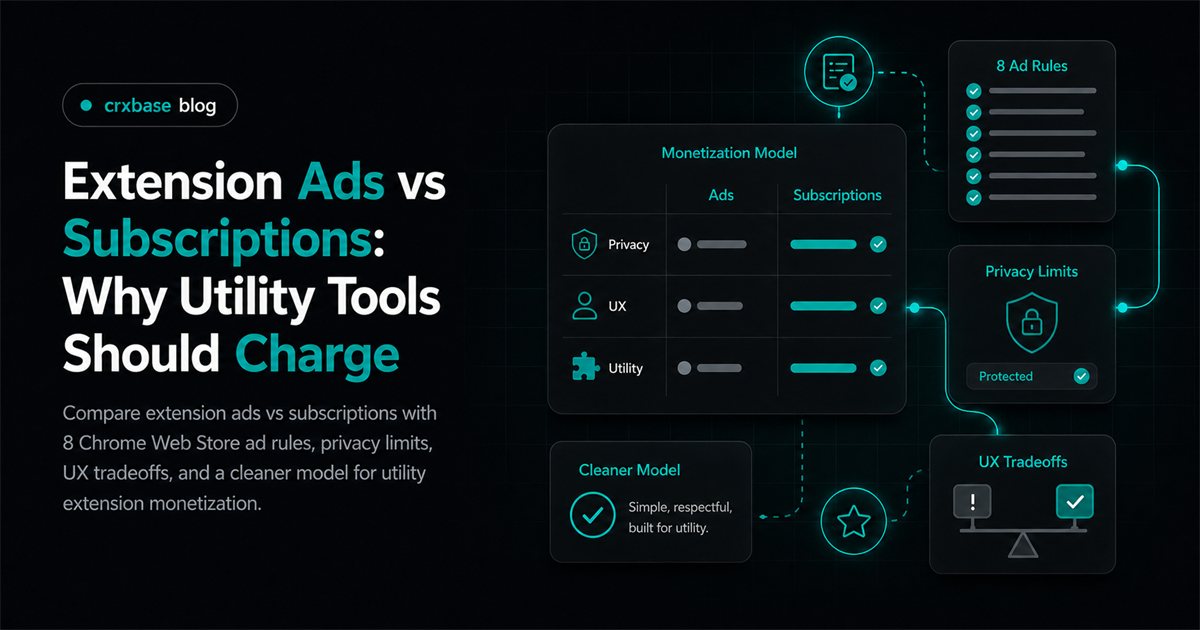
Chrome extension ads are usually the wrong default for utility extensions. In 2020, Google said Chrome users downloaded 4 million extensions daily and had more than 250,000 extensions and themes available (Google). That scale tempts developers to sell attention, but utility tools win when users trust them.
The better default is an extension subscription model, a lifetime plan, or a trial that charges after value appears. For the broader revenue map, start with the Chrome extension monetization guide. This article focuses on one decision: when should you show ads, and when should you ask users to pay directly?
TL;DR
- Google treats ads as part of the extension Product.
- CWS policy lists 8 ad requirements.
- Utility extension monetization depends on trust more than impressions.
- Ads can fit casual, optional, or content-heavy products.
Why Are Chrome Extension Ads So Tempting?
In 2020, Google Chrome Blog, "Making Chrome extensions more private and secure" reported 4 million daily extension downloads and more than 250,000 extensions and themes. That is why ads look attractive: the store feels large, payment friction feels scary, and free installs feel easier than paid ones.
The conventional argument is simple. If users dislike paying for small browser tools, show ads to the broad free audience instead. The developer avoids checkout, refunds, failed payments, and licensing. The user avoids a card form.
That view misses the context. A utility extension often sits next to email, dashboards, documents, research pages, or shopping carts. What feels acceptable in a feed can feel invasive in a tool that edits the page or reads browser state.
Why Do Ads Usually Fit Utility Extensions Poorly?
Google's Chrome Web Store policies apply to the entire user experience, including ads, landing pages, and marketing materials (Google). Utility extensions struggle with ads because the review surface expands beyond code.
The first problem is trust. A utility extension asks for permissions so it can help the user finish a task. If monetization depends on an unrelated offer, the permission story becomes harder to believe. Why does a productivity helper need an ad network in the workflow?
The second problem is interruption. Utility tools are installed to remove steps. An ad adds a step, steals attention, or changes the page hierarchy. The third problem is review friction, because Google can evaluate the listing, UI, promotional copy, ads, and third-party pages as one experience.
Here is the short version: utility extensions depend on narrow purpose, visible value, and user confidence. Google Chrome Web Store policy treats ads as part of the reviewed Product. That makes advertising a product-quality risk, not only a revenue tactic.
How Do Policy Rules Change Extension Ads vs Subscriptions?
Google's Chrome Web Store policies list eight ad requirements, including AdSense limits, contextual presentation, removability, and no forced ad clicks for full use. Those rules make ads more operationally complex than they first appear.
Google's ad rules are concrete. Ads are part of the Product for content review. AdSense may not serve ads in Products. Ads must be contextual or clearly bundled with the product, and users must be able to remove them through settings or uninstall.
The rules also reject dark patterns. Ads may not simulate system warnings. Users cannot be forced to click ads or submit personal information for advertising purposes to fully use the extension. Ads shown beside third-party sites need disclosure, attribution, and non-interference.
Compare that with paid access:
| Decision area | Chrome extension ads | Extension subscription model |
|---|---|---|
| User promise | Free use funded by attention | Paid use funded by value |
| Review surface | Extension, ad behavior, disclosures, third-party context | Extension, checkout, terms, access state |
| Trust risk | Higher when ads appear near page content | Higher when pricing is unclear |
| Best fit | Casual, optional, content-heavy workflows | Repeated utility, automation, sync, support |
| Main failure mode | Surprise, data concerns, interruption | Weak value proof or poor billing UX |
Subscriptions are not policy-free. Google Chrome for Developers, "Program Policies" requires secure payment handling, honest terms of sale, clear disclosure when payment is required for basic functionality, and seller identification. The difference is that subscriptions monetize the tool's value, while ads monetize the user's attention.
That distinction matters. A subscription paywall can be explained before install. An ad model must keep proving that every placement, partner, and data use remains aligned with the extension's purpose.
Why Do Permissions and Privacy Make Personalized Ads Risky?
Google's Limited Use policy prohibits three user-data transfers or uses, including transferring, using, or selling data for personalized advertisements (Google). That makes personalized ad logic a poor fit for many utility extensions.
Extensions can access context that normal websites cannot. Depending on permissions, they may see tabs, page content, forms, URLs, or user actions. Even responsible use invites a fair question: is my browsing data helping choose this ad?
If the answer is yes, the policy risk can be severe. Limited Use says extension data must stay tied to the disclosed single purpose. If the answer is no, ads still need placement, labeling, removal, and partner controls.
A subscription has a cleaner privacy story. The extension can say, "We need this permission to provide this feature. We charge because maintaining the feature costs money." That keeps monetization attached to the same purpose as the product.
When Can Chrome Extension Ads Still Make Sense?
Google's Chrome Web Store policies require ads to be removable through settings or by uninstalling the product. Ads can make sense when the product is naturally content-like, low-sensitivity, and honest about sponsorship before install.
Fair cases exist. A new tab extension with sponsored background collections may be fine if the sponsor is labeled. A coupon or shopping rewards extension may use affiliate offers if it provides a direct user benefit and requires related user action.
Ads also fit better when the extension's value is discovery: deals, marketplaces, content recommendations, or casual entertainment. Avoid ads when the extension handles work data, writing, research, authentication, health, finance, recruiting, legal, or customer information.
The practical test is blunt: would the user still trust the extension if you described the ad model in the first two listing sentences? If the answer feels uncomfortable, use direct payment instead.
What Should Replace Ads in a Utility Extension?
For utility extension monetization, start with one of four direct models. Use subscriptions for repeated time savings, sync, automation, or support. Use lifetime access for stable local utilities. Use freemium for proof. Use a trial when value needs setup time.
The Chrome extension free trial guide explains how to prove value before payment. The guide to getting paying users for a Chrome extension covers positioning and distribution after the model is chosen. For a wider comparison, use the browser extension monetization models guide.
crxbase supports that direct-payment path with subscriptions, one-time purchases, trials, hosted payment pages, Stripe-backed billing, and extension access checks. The hard part is not only checkout. It is keeping access, cancellation, plan changes, and reinstalls understandable.
How Should You Decide Between Extension Ads vs Subscriptions?
Use this decision order before choosing ads:
- Name the paid outcome. If you cannot explain it in one sentence, ads will not fix the value problem.
- Classify the data sensitivity. The closer you are to work data or browsing context, the worse ads fit.
- Check the placement. If an ad appears on or beside a third-party page, disclosure and non-interference become central.
- Test direct payment first. A small paid plan gives cleaner feedback than a noisy ad experiment.
The fair default is this: use subscriptions for repeated utility, lifetime pricing for stable tools, trials for delayed proof, and ads only where advertising is expected, contextual, removable, and clearly disclosed.
Frequently Asked Questions
Are Chrome extension ads allowed?
Yes, but they are not a casual add-on. Google Chrome for Developers, "Program Policies" lists 8 ad requirements for Products, including no AdSense, contextual presentation, easy removability, and no forced ad clicks for full extension use.
Why are ads a poor fit for utility extensions?
Utility tools run inside user workflows where trust is the product. Google Chrome for Developers, "Limited Use" prohibits 3 advertising-related user-data transfers or uses, including personalized ads and transfers to ad platforms or data brokers.
When can ads make sense in a Chrome extension?
Ads can fit optional, casual, or discovery-led products. Google Chrome for Developers, "Program Policies" allows ads when they meet review rules, can be removed through settings or uninstall, and do not impersonate system warnings.
Is a subscription better than ads for an extension?
For recurring utility, usually yes. That makes a paid model easier to forecast than attention-based revenue with policy friction.
Can I combine ads and subscriptions?
Yes, but keep the boundary obvious. Google Chrome for Developers, "Program Policies" treats ads as part of the Product. A paid tier that removes clearly disclosed contextual ads is safer than hidden or personalized ad behavior.
Conclusion
In 2020, Google Chrome Blog, "Making Chrome extensions more private and secure" reported 4 million daily extension downloads, but scale alone does not make Chrome extension ads a good fit. Utility products live or die by user trust, permissions, workflow speed, and policy clarity.
Use ads when they match the user's intent and can be explained without embarrassment. For most utility extensions, start with subscriptions, trials, freemium, or lifetime pricing. Then connect the paid model to the real outcome users installed the extension to get.
Start a Direct-Payment Model With crxbase
If a subscription or one-time purchase is the better fit for your utility extension, crxbase supports the payment and access layer for that model. You can keep the product focused on its utility instead of adding an advertising system that users and reviewers must navigate.